The Master Move
We're not just hiding the window. We're changing the reality of what's on your screen.
The Chameleon Switch
Your Instant Identity-Swap for Panic Situations.
Sometimes the unexpected happens. When you need to hide your competitive edge instantly, 'The Chameleon Switch' transforms Imposter into a boring, standard utility—starting with Notepad, but designed to become any simple app on your system.
The ultimate panic button. One tap works globally to make the AI vanish, replaced by a perfect application disguise.
Instantly swaps your screen to a standard utility—like Notepad—complete with 'fake' notes and functional menu bars.
Interactive typing allows you to write 'real' code if asked to share your screen. To an interviewer, you're just using a simple tool.
Hide AI's last suggestion in extremely pale grey text at the bottom—visible only to you if you look closely.
The Double-Display Flow
The Master Move for the Ultimate Competitive Edge.
Capture audio on your phone, process it on your desktop, and read the answers in code. The perfect bridge between your devices.
Hard-wired real-time protocol ensures you see suggested answers as the interviewer is still speaking.
Record audio in a separate room or from a different device to keep your main machine completely 'clean'.
Choose where you want to see the suggestion: on your PC monitor or a quick look at your phone screen.
Your phone rests casually on your desk, capturing every word of the interview with high-fidelity system audio or microphone input.
Encrypted WebSocket synchronization streams audio segments instantly to your desktop 'Brain' with zero latency.
Your desktop processes the audio through Gemini or local models, generating answers in real-time.
Answers appear instantly inside your Disguised Notepad UI or as discreet notifications on your mobile screen.
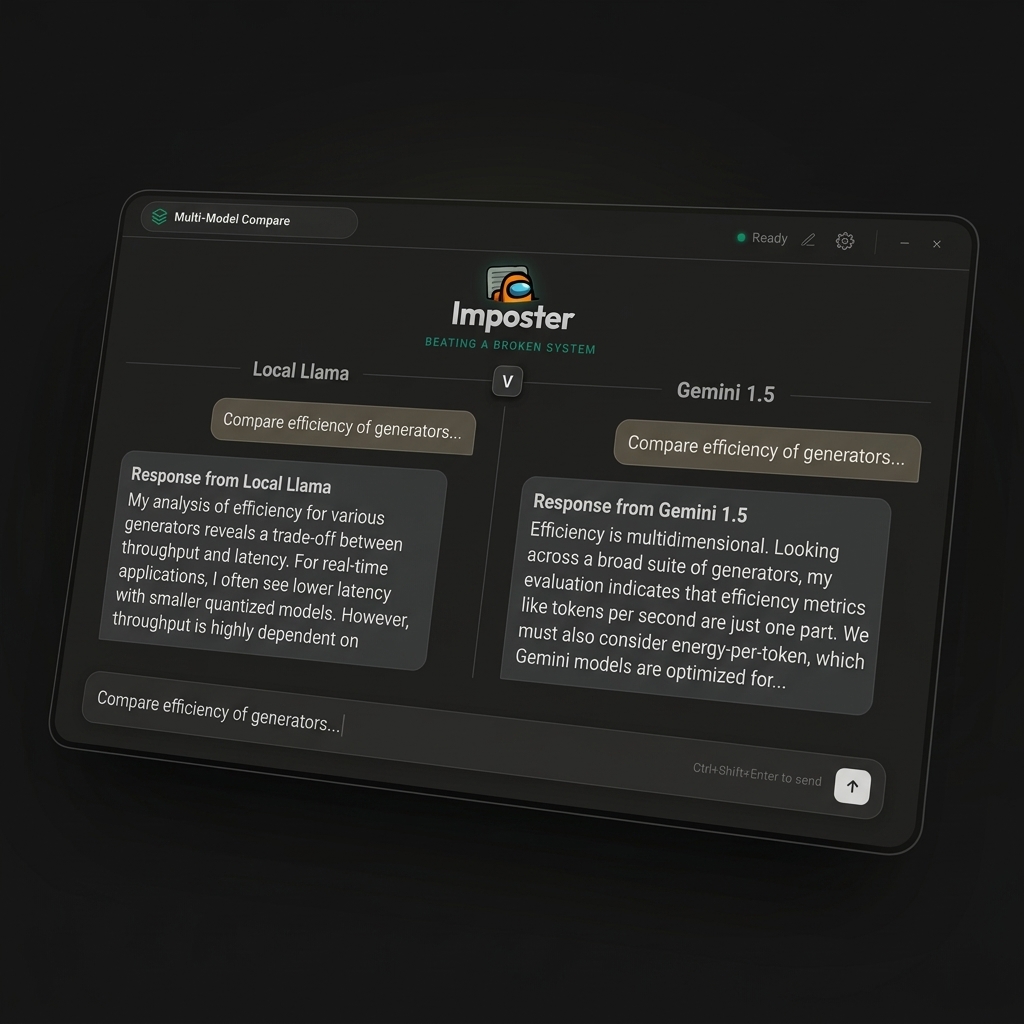
Multi-Model Compare
The Fact-Checking Power of Parallel Intelligence.
Sometimes one AI isn't enough. Our upcoming Split-View lets you verify answers by querying local and cloud models simultaneously.
Send the same prompt to Ollama, Gemini, and OpenRouter at the same time and see results side-by-side.
Instantly spot hallucinations by comparing different model outputs in real-time.
Always have a local Llama model running alongside cloud models for guaranteed availability.